
If you’re wondering how to program a Dynex remote for your TV and searching for the codes, we have you covered right here.
If you have multiple TVs in your home and are tired of managing all their remotes, you’d want to consider getting a universal remote. This can be paired with all your devices, and you can control them using a single remote. Dynex TVs can also be paired with universal remotes, and the process is pretty simple. However, you’ll need the correct universal remote codes for Dynex TV for it to work.
This is where we come in. In this guide, we’ll discuss what Dynex universal remote codes are and how you can use them to connect your universal remote to the TV.
Quick Answer
The Dynex remote can be programmed with and without code. If you have the right code, you can – Power on TV (or other device) > Press ‘Comp’ and ‘Enter’ button simultaneously > input the code > test the code > press the TV (or other device button) to save the code.
For convenience, we have listed Dynex remote codes in this guide. If you want to set the Dynex remote up without codes, read our guides below.
Dynex TV remote codes list

| 3-Digit Codes | 720, 001, 538, 533, 834, 585, 701, 632, 706, 256, 698, 726, 500, 220, 221, 115, 503, 800, 120, 650, 724, 200, 135, 400, 096, 167, 415, 424, 567, 577 |
| 4-Digit Codes | 0177, 0185, 0282, 0039, 0280, 0038, 0154, 0236, 0463, 0180, 0178, 0179, 0019, 0623, 1810, 2049, 2184, 1780, 1463, 2288, 5311, 3161, 0371, 2891, 1507, 1181, 0135, 1785, 1182 |
| 5-Digit Codes | 10463, 11463, 11780, 11785, 10180, 10178, 10171, 10623, 11963, 10096, 12049, 12184, 18731, 18437, 12288, 18633, 18339, 18924 |
How to program a Dynex TV with remote codes
Here’s how you use the Dynex TV remote codes to program your universal remote.
Step1
Turn on your Dynex TV
Turn on your TV by using the original remote. If it is not working or you lost it somewhere, you can turn the TV on using the manual power button.
Step2
Initiate the setup process
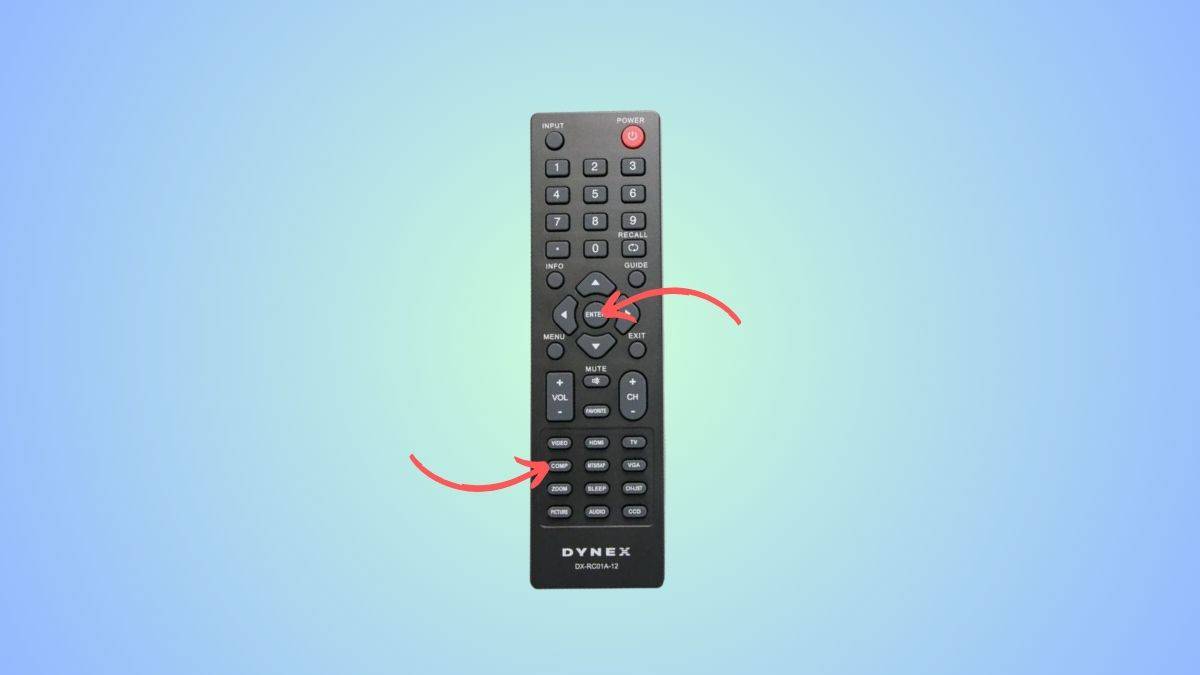
Next, press and hold the ‘Comp’ button and ‘Enter’ button simultaneously. Do this until you see a light flashing on the remote, which means it’s ready to be programmed.
Step3
Enter the Dynex TV remote code
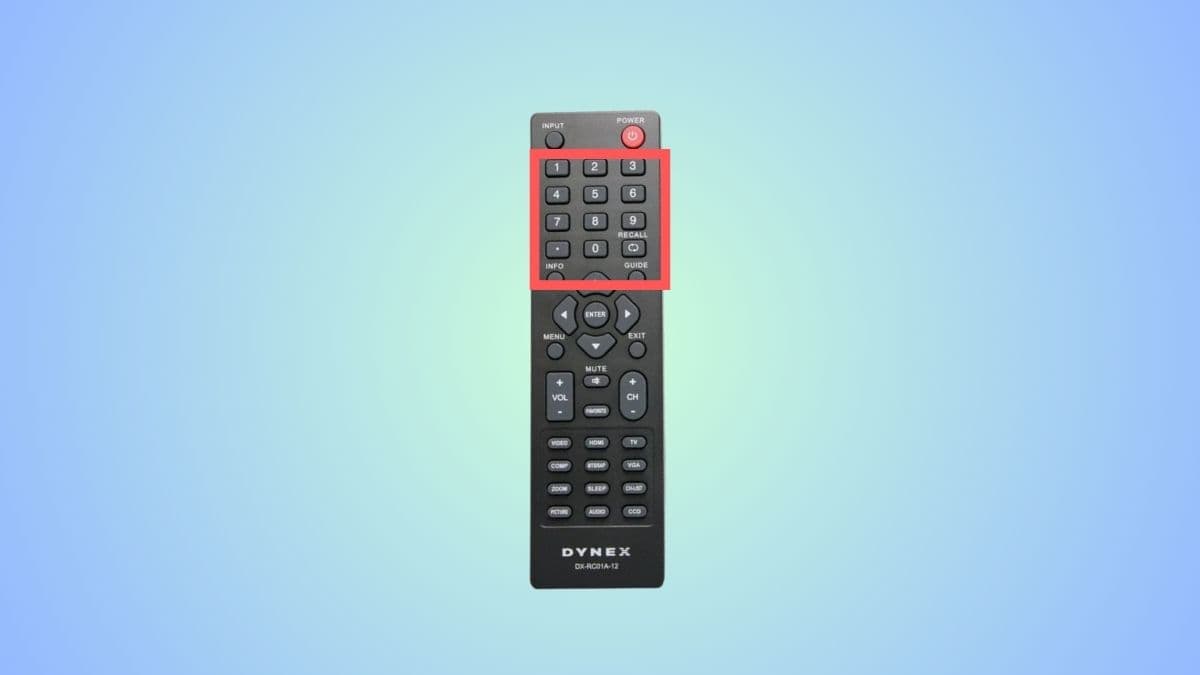
Point your universal remote towards the TV and use the numeric keys to enter a code.
Step4
Check if the remote has been connected
Now, press the volume up or volume down button to see if the remote has been paired. If the volume is not increasing or decreasing, it means the remote has not been connected, and you’ll have to try another code.
Step5
Store the code
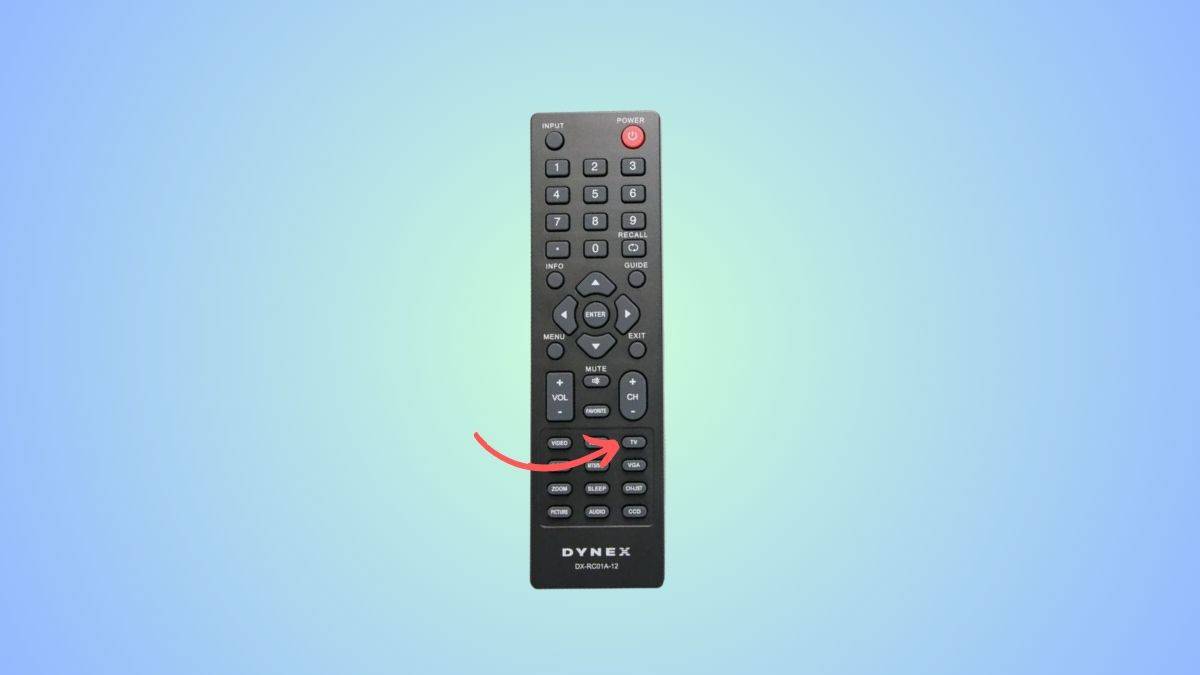
After you’ve found the correct code, press and hold the TV button to store it. The light on your universal remote will blink twice after the code has been successfully stored.
How to program Dynex remote without codes
Step1
Power on the TV
The first step is to turn on your TV.
Step2
Press the ‘TV’ button
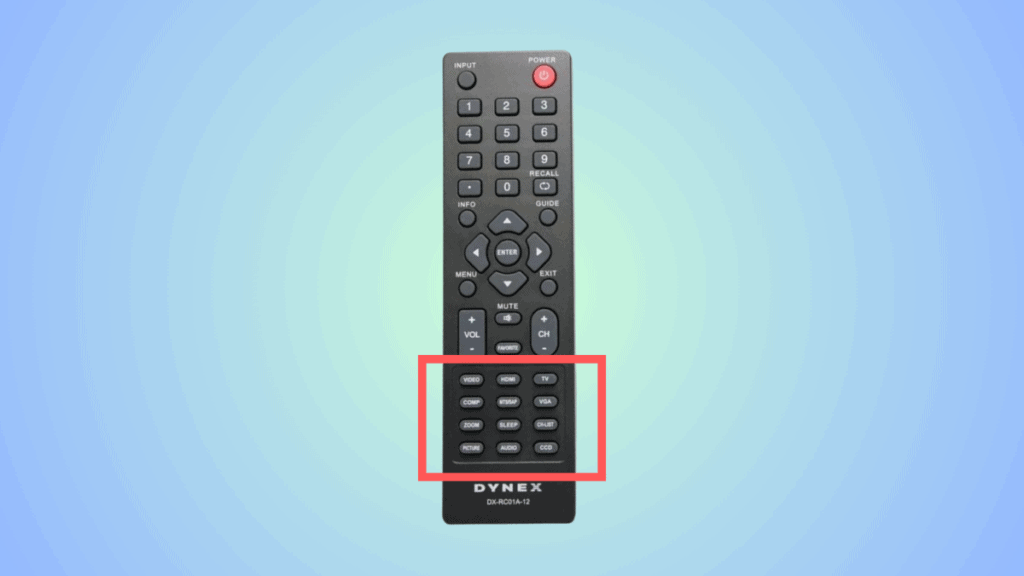
On your Dynex remote, press the ‘TV’ button to set the remote up for your TV. For DVD or CBL, you will have to press the corresponding buttons. Hold the button until you see an LED light blinking.
Step3
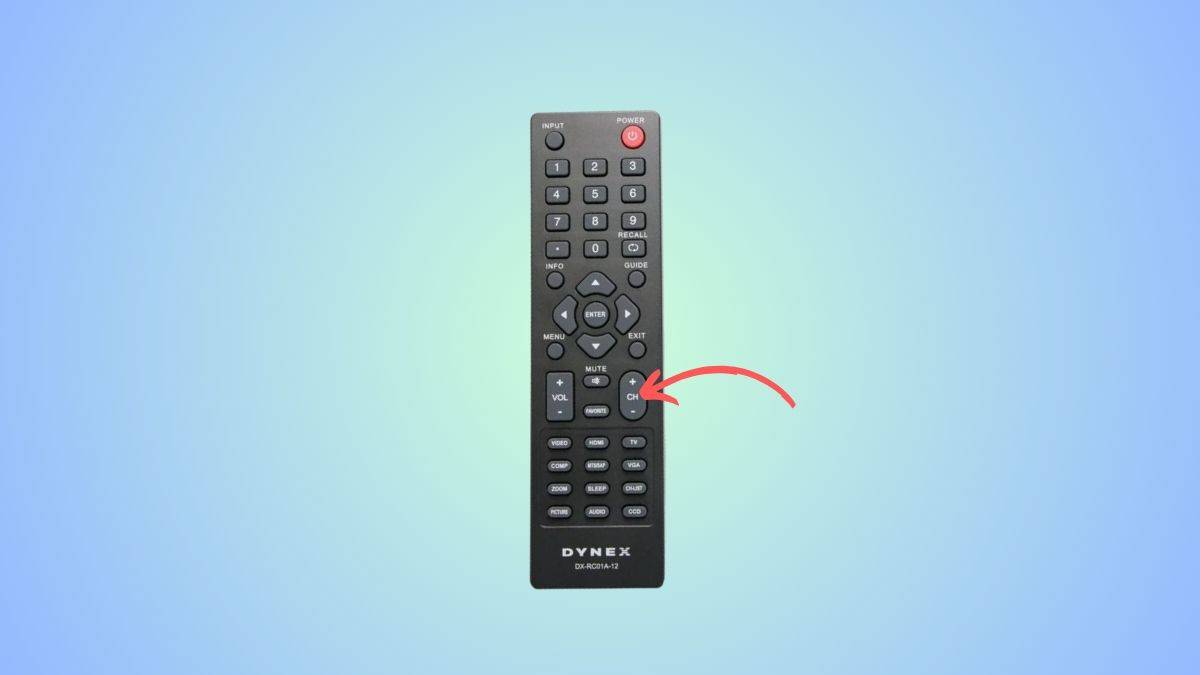
Press CH+ and CH- button
Now, aim the Dynex remote at the TV and press the CH+ and the CH- buttons. Keep pressing these until the TV turns off.
Step4
Test the code
Now, to see if the code that has been selected is right or not, you will have to test it. Press the power button – if your TV turns on, it means the code is programmed correctly.
Step5
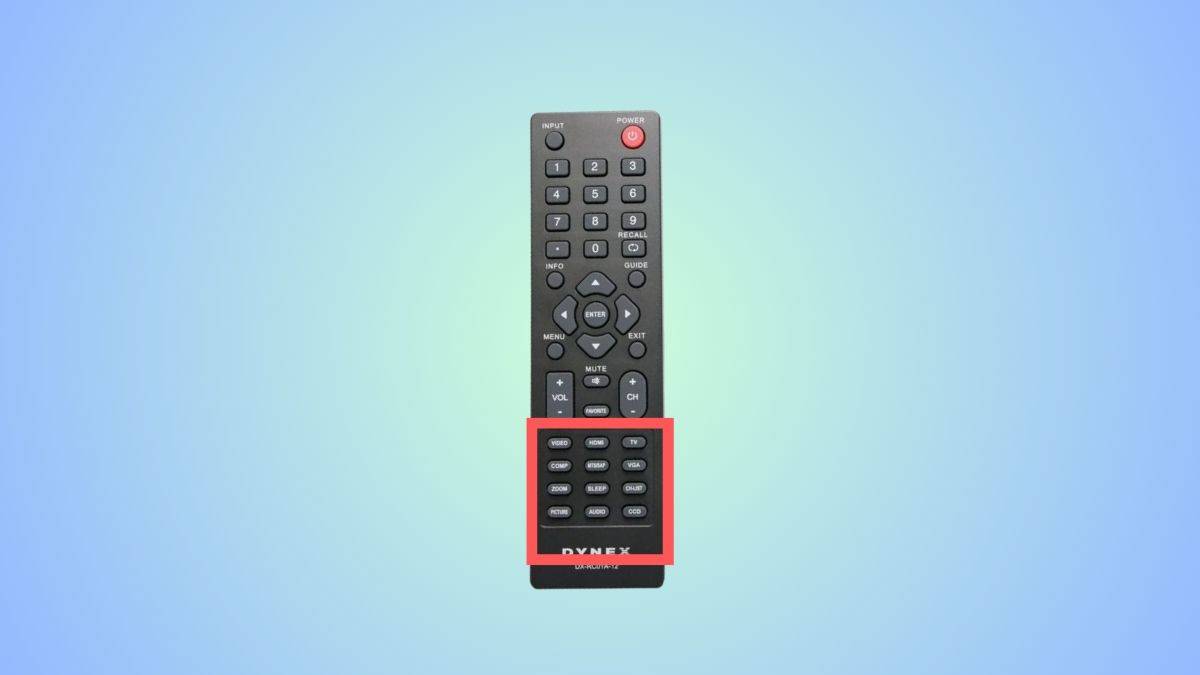
Press the “device” button
Once you have the right code, you have to press the “device” button – that is, the TV, DVD, or other buttons for your selected device. The light on the remote will blink twice, which indicates that your code has been saved successfully.
How do I program my universal remote to my TV without the code?
Yes, you can use the auto-programming feature to connect your universal remote to the TV without the code, but this method does not work for every remote. To do this, you have to power on the TV > press the ‘TV’ on the Dynex remote > Press the CH+ and CH- buttons > test the code > and press the TV button to confirm.
